Details on demand
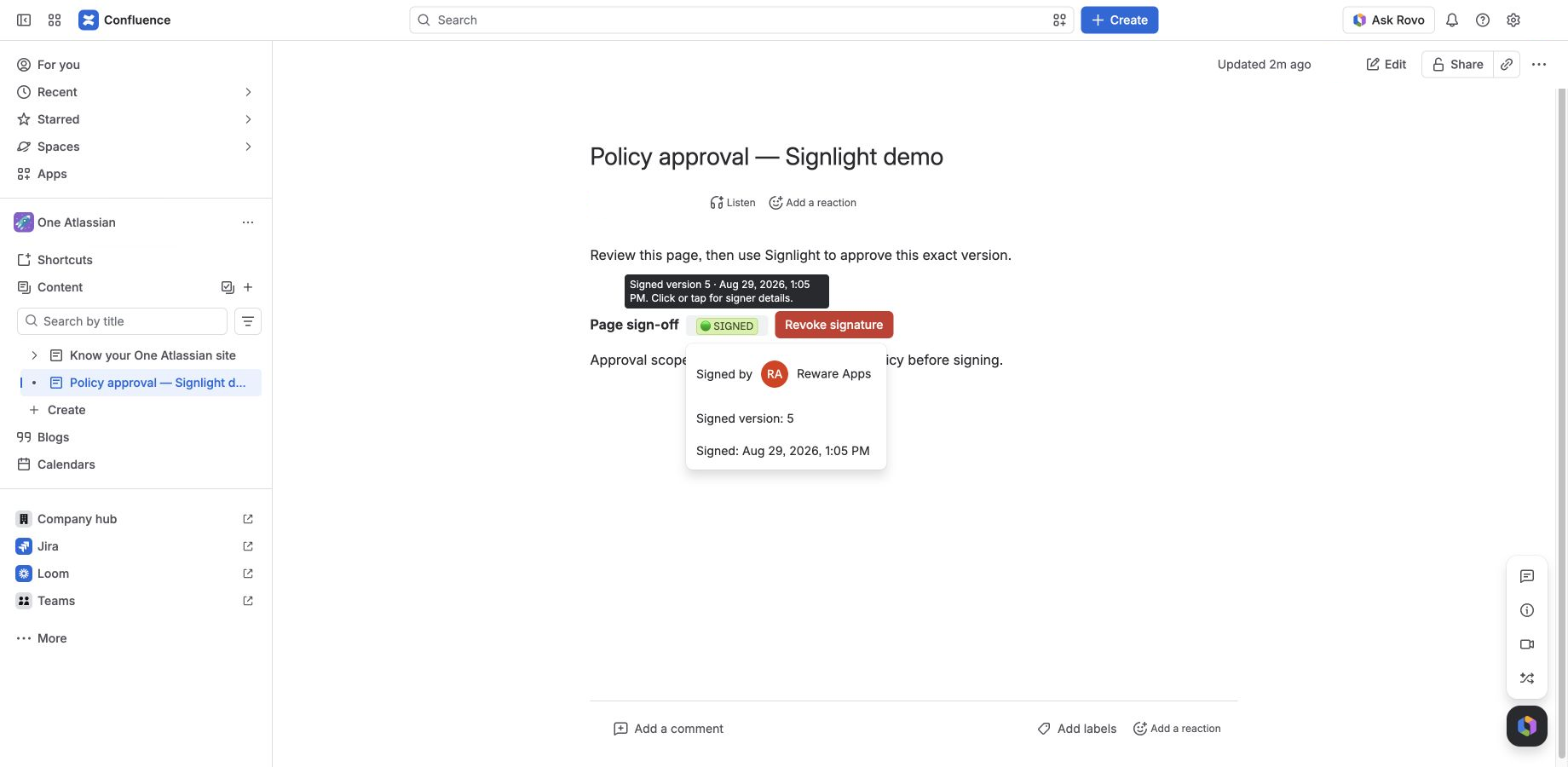
Signer and version
Tap the status to reveal the signer, signed version, and timestamp.
Version-aware page sign-off
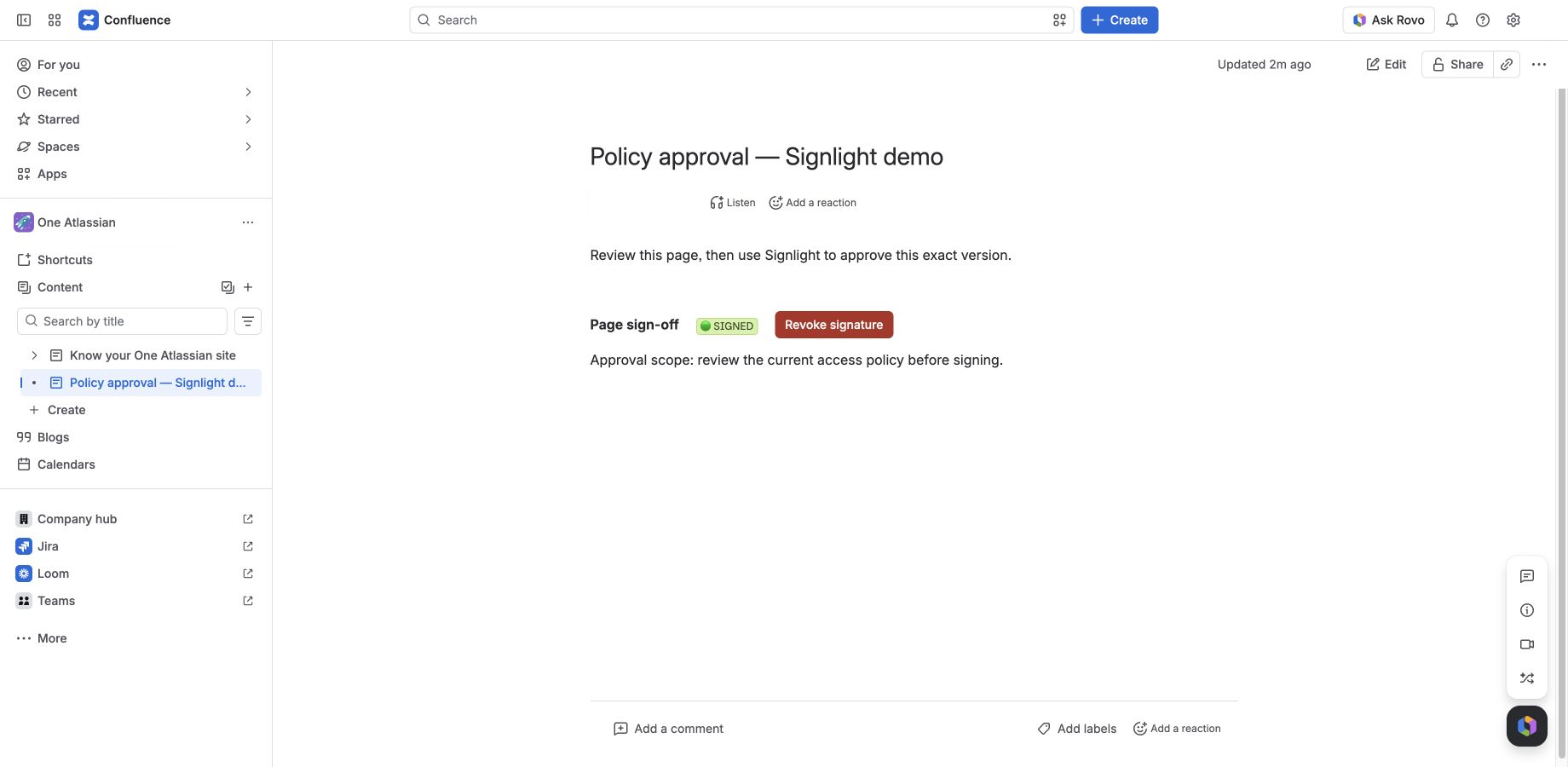
Signlight adds a simple traffic-light sign-off to any Confluence page. Green means approved. Yellow means the page changed. Red means there is no active sign-off.
Native to the page
The sign-off stays where the decision and its context live.
The traffic-light workflow
The status is derived from the active sign-off and the live Confluence page version, so it never depends on a separate checklist staying in sync.
Tap the status to reveal the signer, signed version, and timestamp.
The sign-off matches the page version everyone can see.
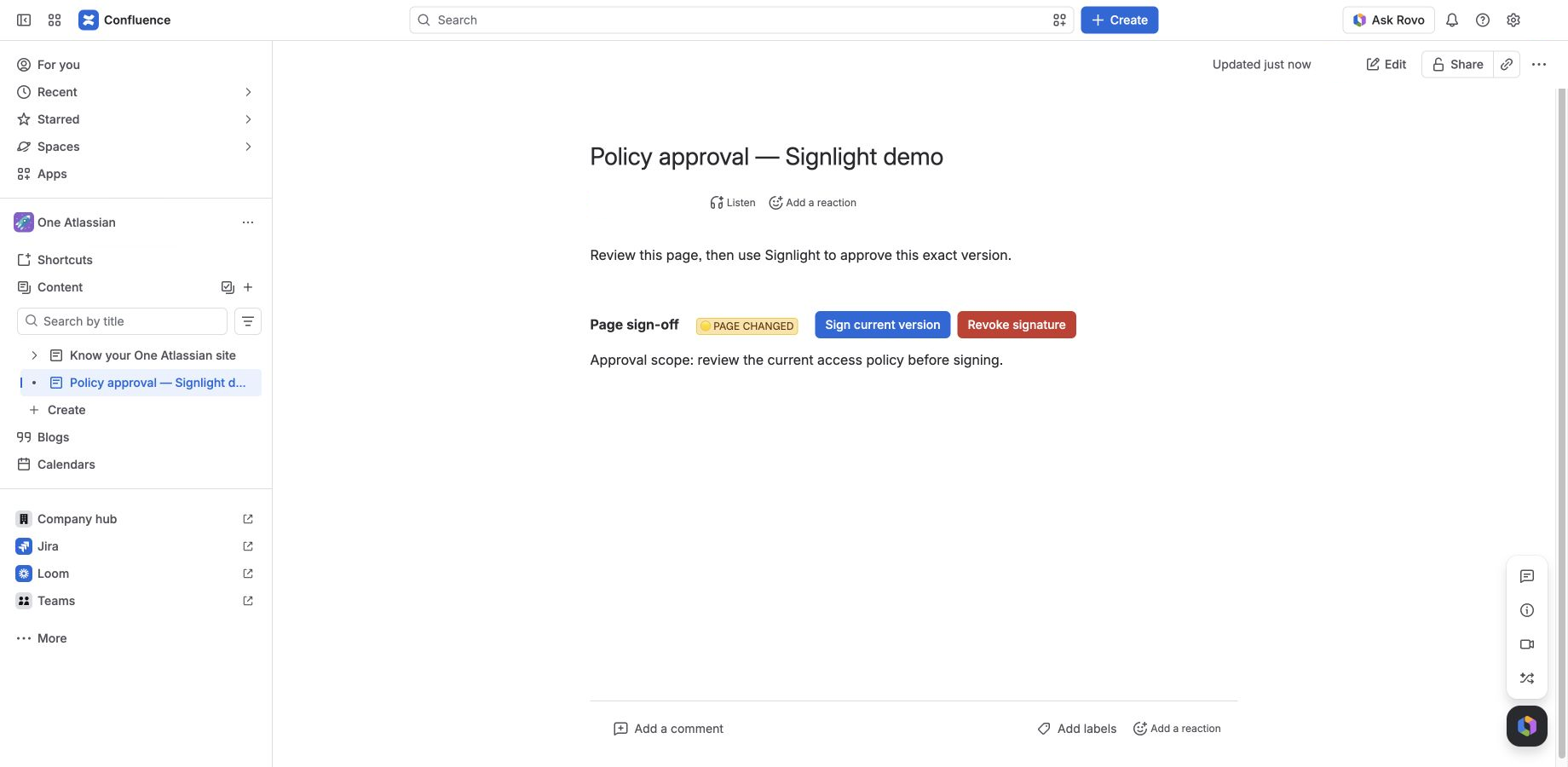
A new page version was published after the sign-off.
Small by design
Signlight is for lightweight internal acknowledgements and approvals. It is not a regulated or legally binding e-signature product.
People sign with the account already logged into Confluence.
Any published page change automatically turns green to yellow.
Only the active signer can revoke, and the event is retained.
Signlight stores identifiers, versions and audit timestamps—not the page body.
Hosted on Forge
The app runs on Atlassian Forge and uses Forge app storage. There is no separate Signlight account, password or external dashboard.
Launching free
Signlight is entering Atlassian Marketplace review.